Punjab Teachers E-Transfer Orders 2026: How to Check Final Orders and What to Do Next
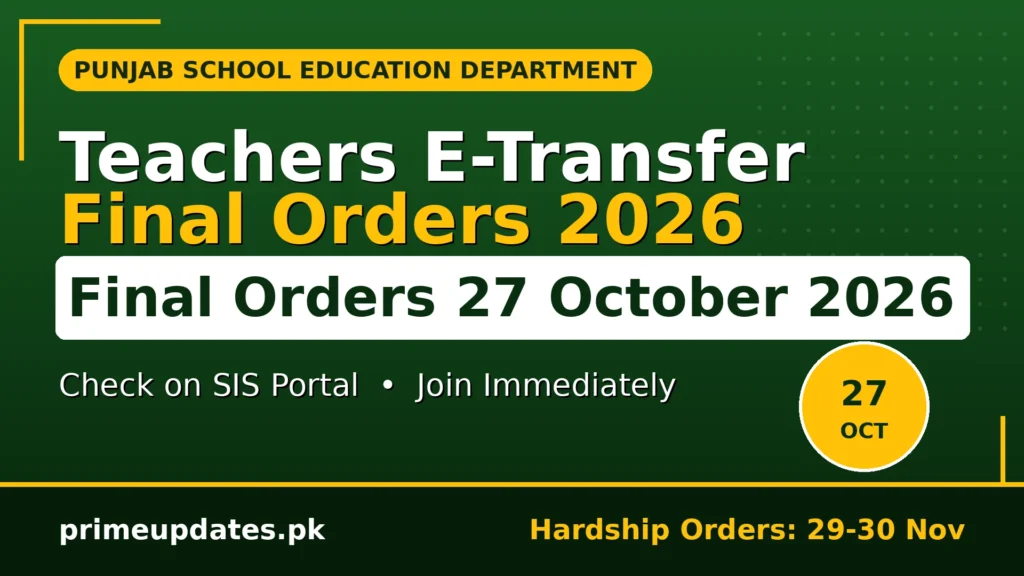
Thousands of school teachers across Punjab have been waiting for their posting orders, and the wait ends on 27 October 2026. The School Education Department will issue the final orders of this e-transfer round on that date, and every teacher in the round should know exactly where to find their order and what to do once it appears.
This guide explains the process in plain terms: the full schedule, who is covered, how to check your order on the SIS portal step by step, what to do after the order arrives, and what to do if your name is not there. One point must be clear from the start: the application window for this round closed on 19 October 2026, so this article is about checking orders and taking the next step, not about new applications. Teachers looking for new teaching posts can also check the Jobs section for related updates.
Is Article Mein
- What the E-Transfer Final Orders Are
- E-Transfer Schedule: Notification to Final Orders
- Who Is Covered by These Orders
- How to Check Your Transfer Order on SIS
- What to Do After Your Order Arrives
- What If Your Name Is Not in the Orders
- Hardship E-Transfer 2026: A Separate Track
- Documents to Keep Ready
- Where to Get Help
- FAQs
What the E-Transfer Final Orders Are
The final orders are the official posting decisions of this e-transfer round, issued by the School Education Department under notification SO(SE-M)1-180/2026 dated 15 October 2026. The orders are generated electronically through the SIS portal, and they assign teachers to vacant posts in schools across Punjab. Once an order is issued, the teacher’s new posting for this round is decided.
These orders matter because they end the uncertainty of the transfer process. A teacher who has been waiting for a posting, or working in a school while awaiting transfer, now has a definite answer. The order names the new school, and from that point the teacher’s duty is to complete the joining formalities without delay, as explained later in this guide.
E-Transfer Schedule: Notification to Final Orders
The round followed a fixed schedule. The notification came on 15 October 2026, applications were accepted from 15 to 19 October 2026, verification of applications ran from 20 to 22 October 2026, and objections and concerns were received from 23 to 26 October 2026. The final orders are issued on 27 October 2026, which is the date every teacher in this round has been waiting for.
Each stage had a purpose. Verification checked the applications submitted in the window, and the objections stage gave teachers a chance to raise concerns before the orders were finalised. The application window is now closed, so no new applications can be added to this round, and the only remaining step is the issue of the final orders themselves.
| Stage | Dates |
|---|---|
| Notification issued | 15 October 2026 |
| Applications accepted | 15 to 19 October 2026 (closed) |
| Verification of applications | 20 to 22 October 2026 |
| Objections and concerns | 23 to 26 October 2026 |
| Final orders issued | 27 October 2026 |
Who Is Covered by These Orders
These orders cover three groups of teachers: promoted teachers, teachers awaiting posting, and teachers in outsourced schools. All three groups applied in this e-transfer round, and their postings are decided against vacant posts through the SIS portal. If you belong to one of these groups and applied between 15 and 19 October, your order should appear on 27 October 2026.
Teachers who applied on hardship grounds follow a separate track with different dates, which is explained in its own section later in this guide. The two tracks must not be confused: the 27 October orders belong to the general round described here, while hardship orders come later. If you are unsure which track you applied under, check the section on hardship transfers before drawing any conclusion about your order.
How to Check Your Transfer Order on SIS
Your transfer order is available on the SIS portal at sis.pesrp.edu.pk, and that portal is the only place to check it. Keep your SIS login credentials ready before 27 October, so you are not delayed by a forgotten password on the day the orders appear. Check your order carefully once it is visible, including the name of the school and the posting details, before you take any further step.
Once you have found your order, download it and print a copy straight away. The printed order is the document you will need for the joining formalities at your new school, and keeping a copy for your own record protects you if any detail is questioned later. The steps below follow the portal process for this round.
- Open the SIS portal at sis.pesrp.edu.pk
- Log in with your SIS credentials
- Open the transfer or order section
- Find your transfer order and check the school and posting details carefully
- Download the order and print a copy for your record and for joining
What to Do After Your Order Arrives
Once your order is issued, the first duty is to complete your relieving from your current school and then report at your new school. Orders in this round require relieved teachers to join their new institutions immediately, so there is no reason to delay once the order is in your hand. Report at the new school, complete the joining formalities there, and confirm that your joining has been recorded.
Keep copies of both your transfer order and your joining record. Both documents form part of your service record, and they are the proof of your posting if any question arises later about where and when you joined. A teacher who keeps these papers safe avoids the common problem of searching for a lost order months after the transfer.
What If Your Name Is Not in the Orders
If your name does not appear in the orders, do not assume at once that your transfer has been cancelled. First, re-check your details on the portal and make sure you are looking in the correct transfer or order section, because a small mistake in checking can look like a missing order. Also confirm which track you applied under, since hardship applicants are on a separate timeline and their orders are not part of the 27 October list.
There is another possible reason for a missing name. Under the E-Transfer Policy 2024, teachers who gave insufficient preferences, or no preferences at all, may be assigned by the department itself rather than through their own choices. If your name is still missing after a careful re-check, contact your CEO (DEA) office for guidance, as explained in the help section below, instead of relying on rumours or social media posts about the orders.
Hardship E-Transfer 2026: A Separate Track
This section describes a completely separate track, and its dates must never be mixed with the general round above. The general round’s final orders come on 27 October 2026, but the hardship track runs on its own schedule and ends much later. A teacher waiting for a hardship order who looks for it on 27 October will not find it, because hardship orders are not due until the end of November.
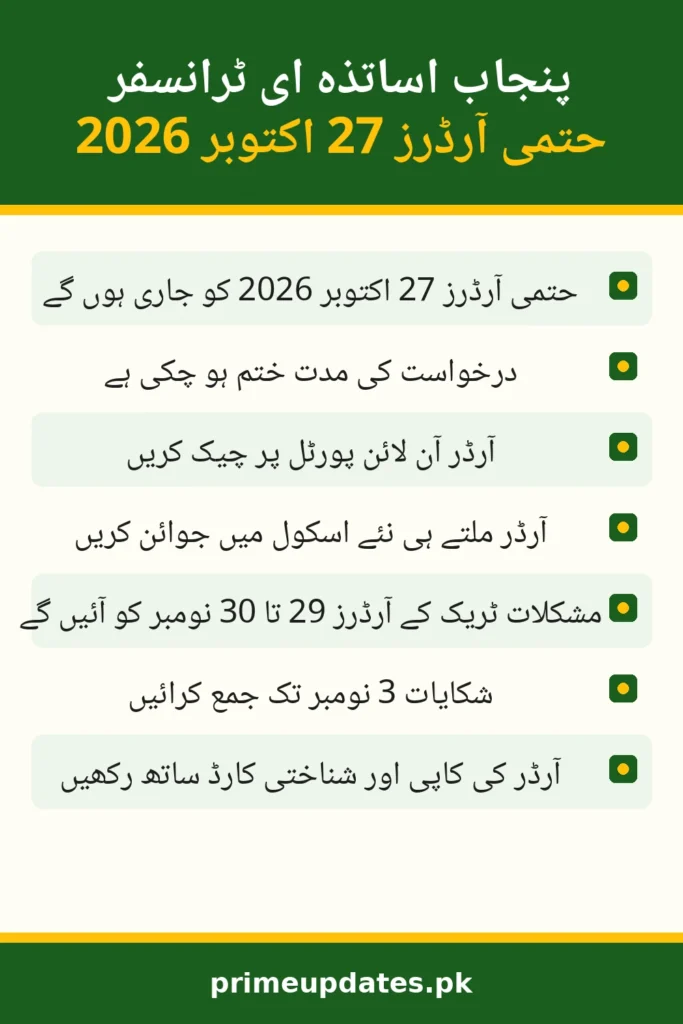
The hardship timeline is as follows: grievances are submitted to the DGRC by 3 November 2026, the DGRC processes them from 4 to 20 November 2026, the Departmental Hardship Committee considers them from 21 to 27 November 2026, and QR-coded hardship orders are issued on 29 to 30 November 2026. If you applied on hardship grounds, the 3 November grievance deadline is the date that matters most to you right now, not the 27 October general orders.
| Stage | Dates |
|---|---|
| Grievances to DGRC | By 3 November 2026 |
| DGRC processing | 4 to 20 November 2026 |
| Departmental Hardship Committee | 21 to 27 November 2026 |
| QR-coded hardship orders issued | 29 to 30 November 2026 |
Documents to Keep Ready
Joining goes smoothly when your papers are ready before you reach your new school, and a little preparation now saves a second trip later. The most important document is the printed transfer order itself, because without it the new school cannot complete your joining. Keep the original documents and a photocopy set together, so you can hand over what is asked for and still keep a copy for yourself.
The papers listed below are the ones teachers usually need at joining, and having them ready in advance is simple practical preparation rather than an official checklist. If your new school asks for anything beyond this list, provide it as requested, but these items cover the standard joining formalities.
- Printed copy of your transfer order from the SIS portal
- Your CNIC
- Your service record or service book
- Relieving note from your previous school, once you are relieved
- Copy of your joining report for your own record
Where to Get Help
If your order is missing, shows the wrong school, or raises any other problem, the proper route for help is your District Education Authority office through your CEO (DEA). The CEO (DEA) office handles posting matters for your district and can guide you on the correct next step for your case. When you contact the office, keep your application and order details ready so your case can be understood without delay.
Do not rely on social media forwards or unofficial lists for your posting, because only the SIS portal order is official. Keep checking the portal itself for updates on your order, and treat any message that does not come from the portal or your education office as unverified. Official information protects you from acting on a wrong school name or a wrong joining date.
FAQs
When will the final e-transfer orders be issued?
The final orders of the general e-transfer round will be issued on 27 October 2026. Check them on the SIS portal at sis.pesrp.edu.pk.
Can I still apply for e-transfer in this round?
No, the application window ran from 15 to 19 October 2026 and is now closed. This guide is for checking orders and taking the next step, not for new applications.
Where do I check my transfer order?
Check it on the SIS portal at sis.pesrp.edu.pk, in the transfer or order section. Download your order and print a copy for joining.
What should I do after my order arrives?
Complete your relieving from your current school and join your new school immediately, as the orders require. Keep copies of your order and joining record.
My name is not in the orders. What should I do?
Re-check your details and confirm whether you applied under the hardship track, which has separate dates. Under the E-Transfer Policy 2024, teachers with insufficient or no preferences may be assigned by the department, so contact your CEO (DEA) office for guidance.
What is the difference between the general orders and the hardship orders?
The general round orders come on 27 October 2026, while the hardship track is separate: grievances to the DGRC by 3 November 2026, with QR-coded hardship orders on 29 to 30 November 2026.
Disclaimer: PrimeUpdates.pk is an independent information website and is not affiliated with the Punjab government or the School Education Department. Always verify details on official sources before acting on them.